Features
- Opens CorelDRAW X3 … 2025 files
- Open straight from Telegram or a file manager
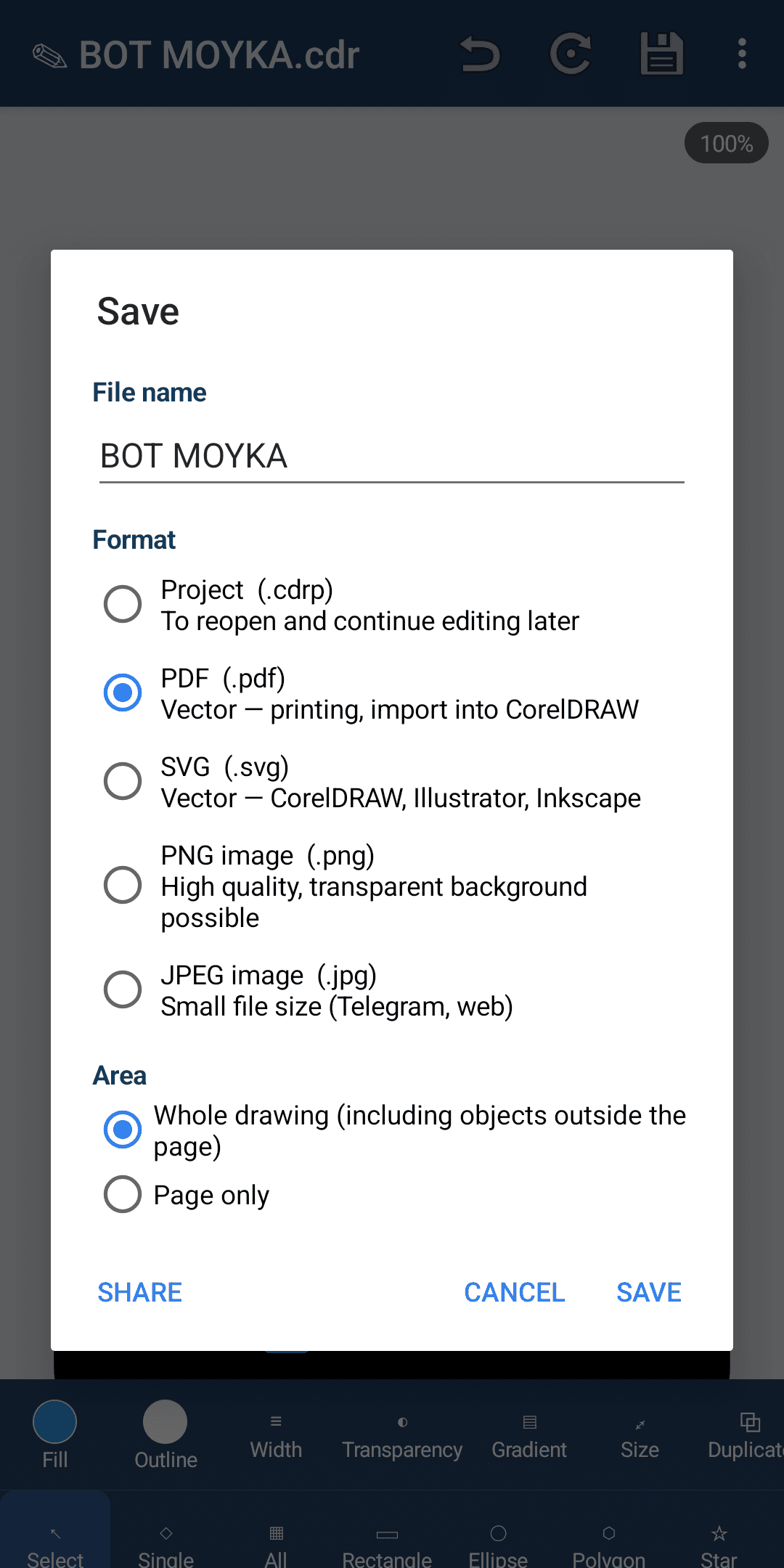
- Save and share as PDF, SVG, PNG, JPEG
- Editing: shapes, colour, text, size and position
- Curves, gradients, images, PowerClip and transparency
- CMYK, RGB, Lab and spot colours
- Multi-page documents, pinch-to-zoom
- Works offline; English, Russian and Uzbek interface
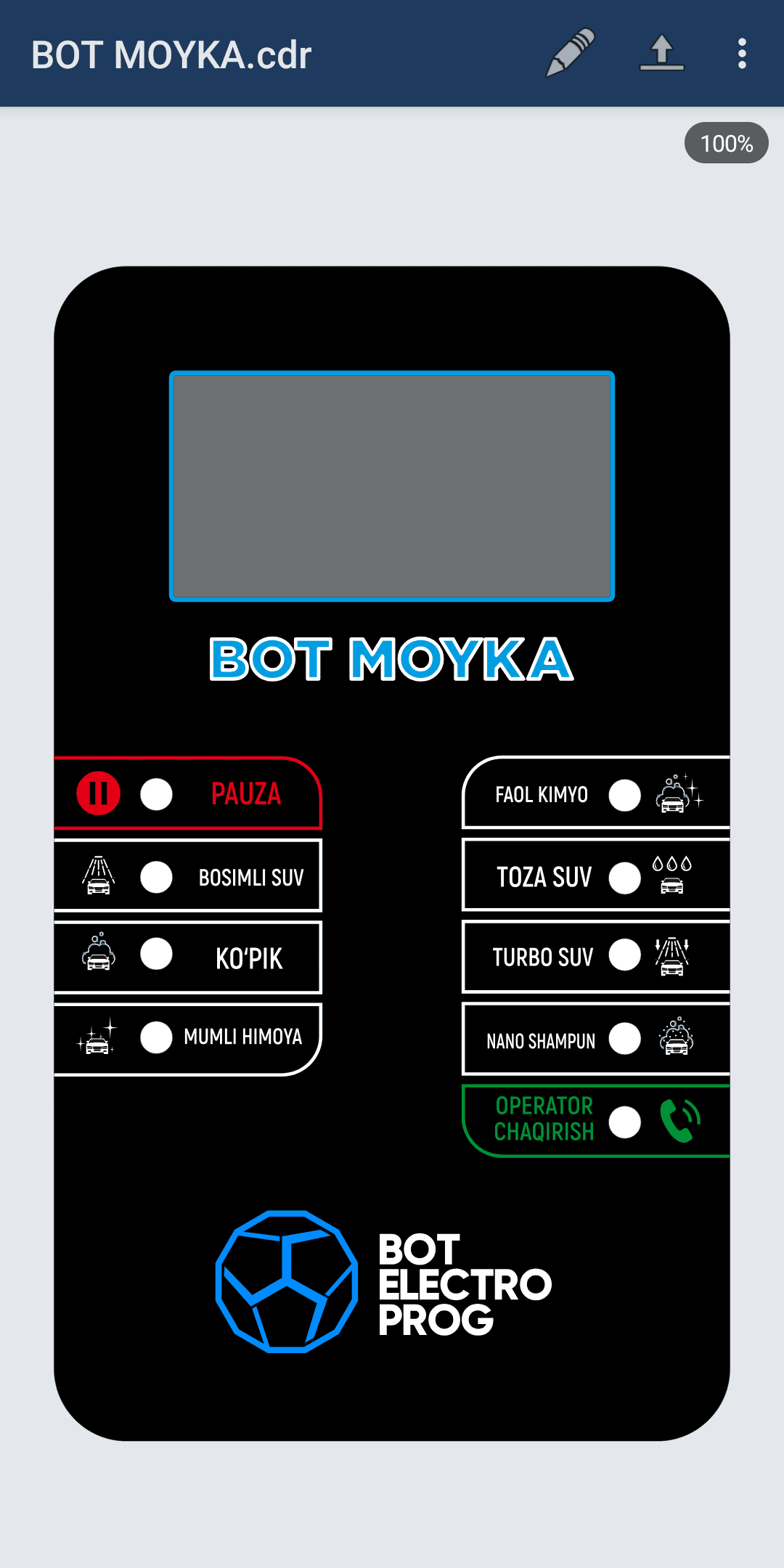
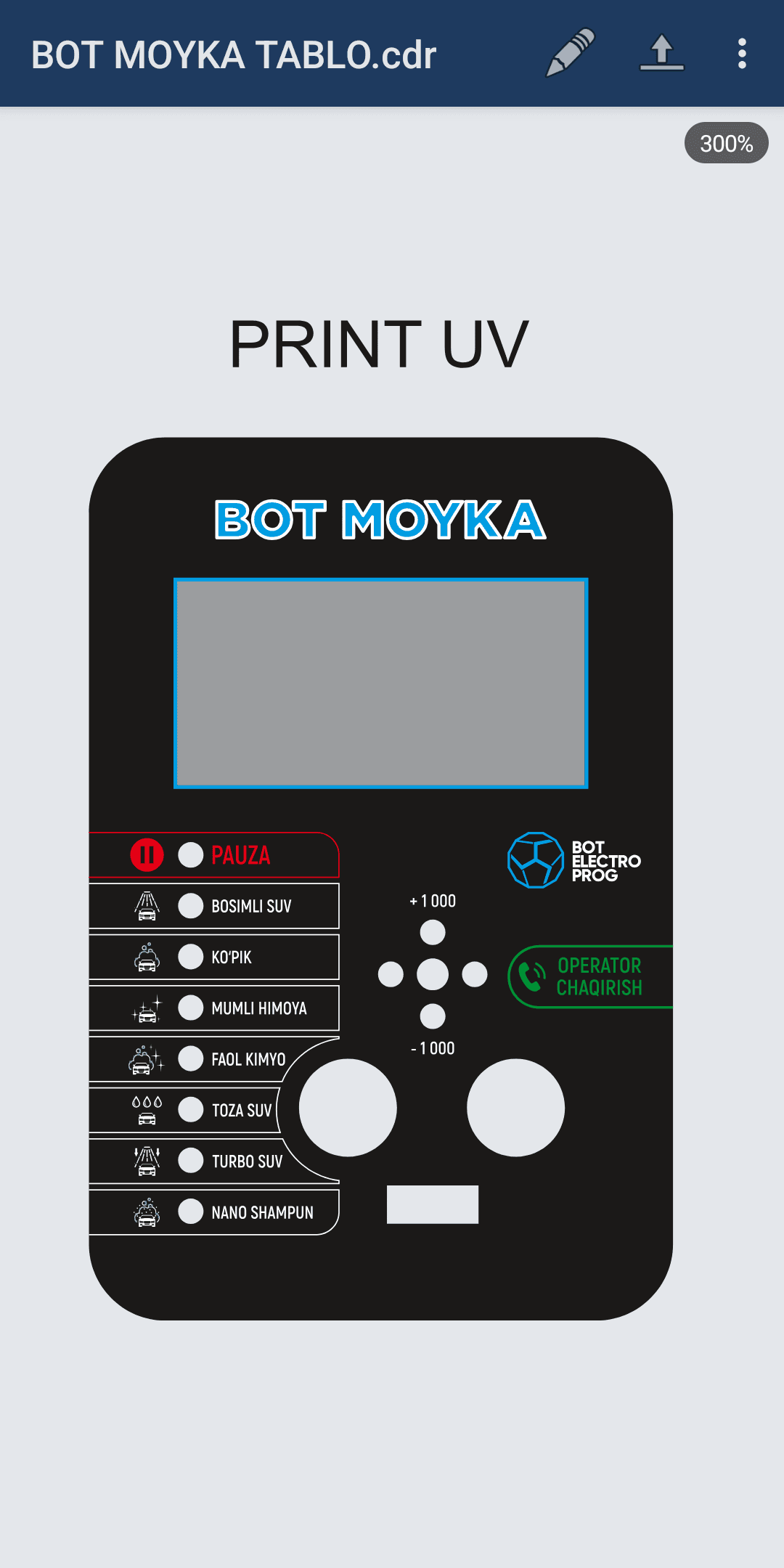
Designers and print/signage professionals often receive a client’s layout as a .cdr file over Telegram, but opening it needs a computer and CorelDRAW. BOT COREL CRC solves that: open the file on your phone, review the layout, make small edits and send the result back as a PDF or image.
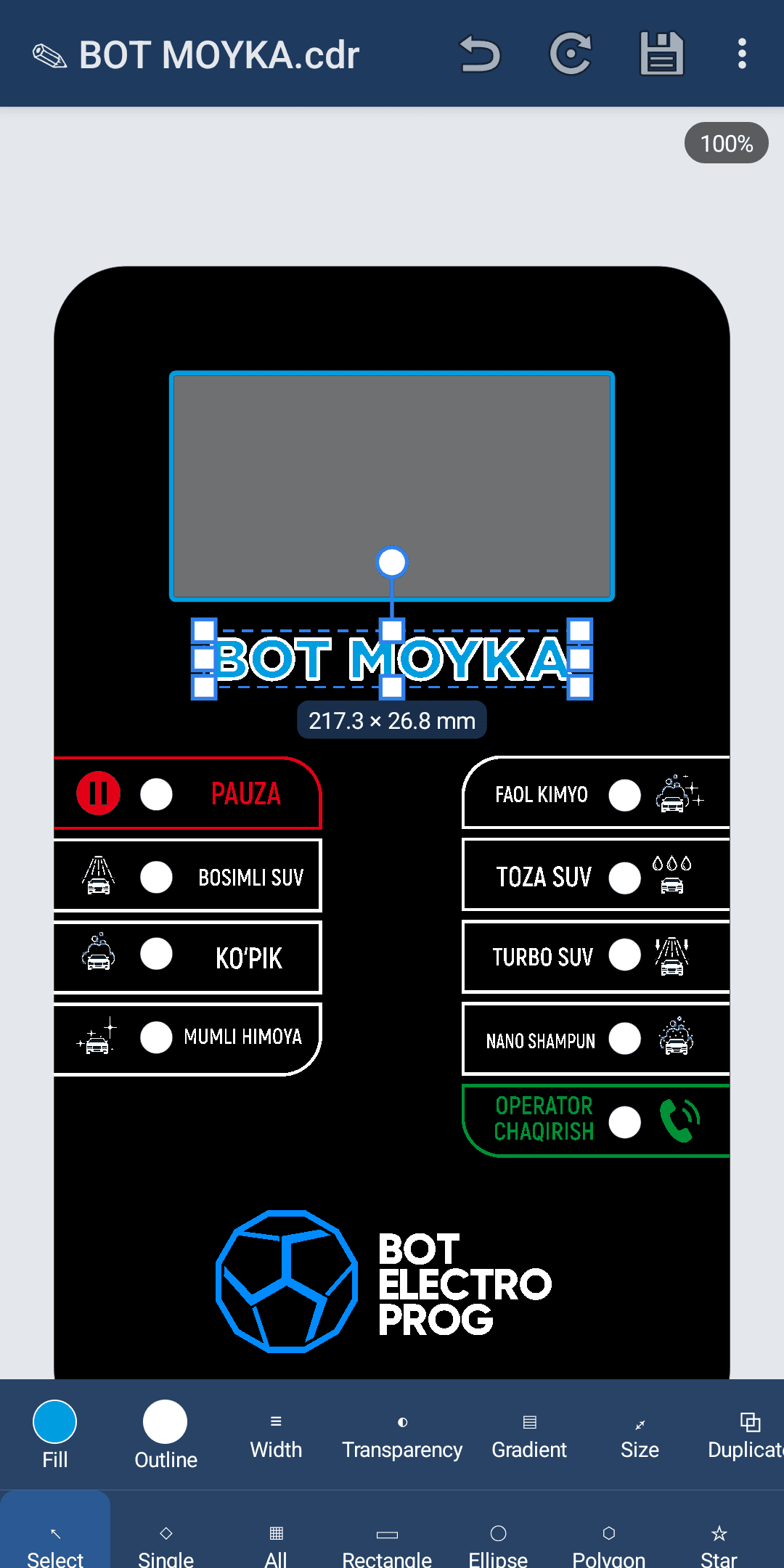
The file reader was written from scratch in pure Kotlin and supports CorelDRAW formats from X3 to 2025. The editor lets you select, move and rotate objects, change colour, outline and text, add new shapes and undo up to 100 steps. Save your work as a project (.cdrp) to continue editing later.
The app never connects to the internet: all files are processed only on your phone.
Screenshots